SNMP Community
What is an ‘SNMP community’?
Section titled “What is an ‘SNMP community’?”An SNMP community is, essentially, a byword for password or shared key.
It is a secret that is shared between your router or network device and PeakHour (or another SNMP-enabled application). Saying ‘SNMP community’ is just another way of saying ‘password’ or ‘key’.
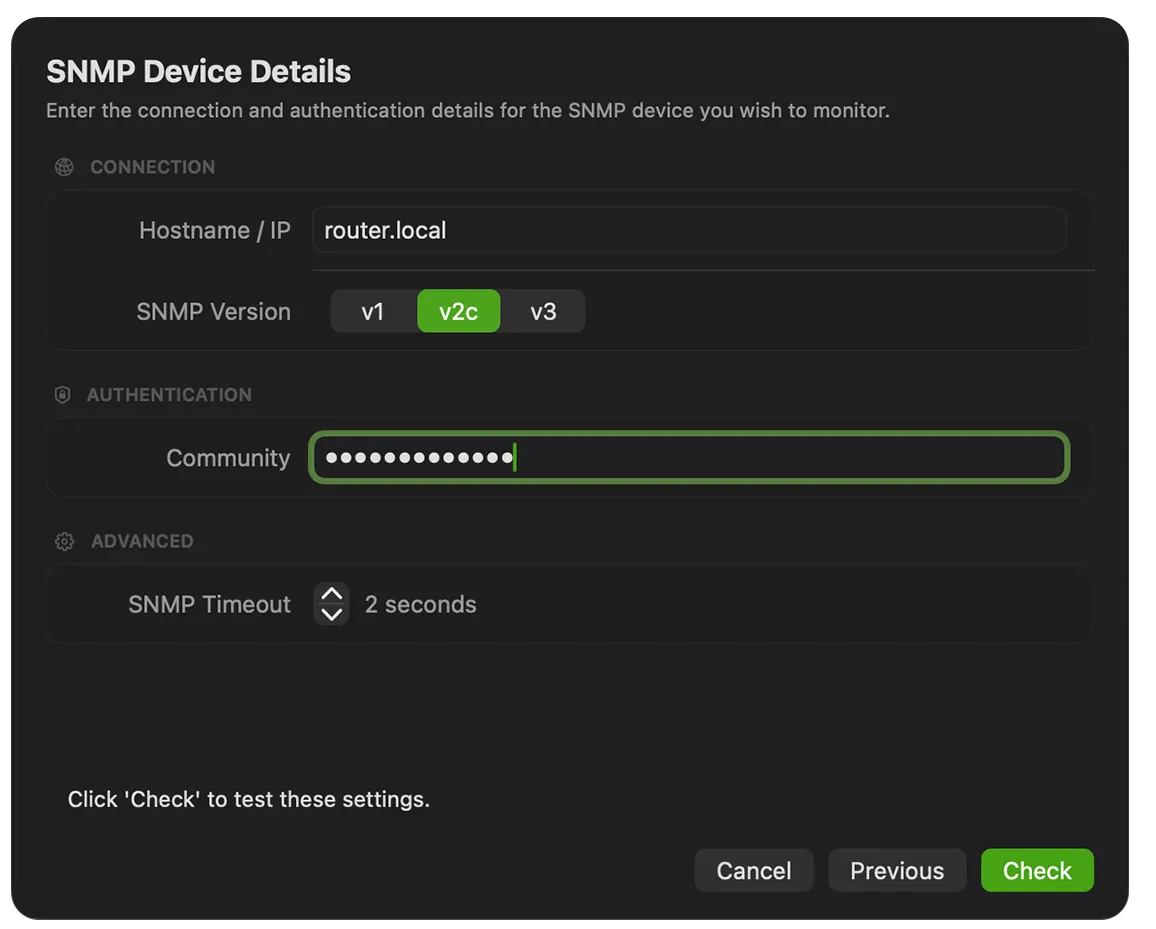
What does an SNMP community do?
Section titled “What does an SNMP community do?”An SNMP-enabled device will only respond to queries if the SNMP community is correct. Think of it as an authentication password: you’re not allowed to query a device unless you specify the correct SNMP community in the query.
How does this affect PeakHour?
Section titled “How does this affect PeakHour?”PeakHour — among other things — is an SNMP client. In order to successfully communicate with an SNMP-enabled router or device to find out its bandwidth consumption, you must give PeakHour the correct SNMP community to use. If you don’t, the device will not respond, or will respond with no information — see “No Interfaces Found” when choosing an interface.
Was this page helpful?
Found something wrong, unclear, or out of date? Let us know and we'll fix it.