How do I upgrade from PeakHour 4?
If you purchased PeakHour 4, you can upgrade to the current version of PeakHour at a discounted price.
To upgrade, do the following:
First, make sure you have the latest version of PeakHour 4 installed and activated. If you can’t locate your PeakHour 4 license key, visit old.peakhourapp.com and click Recover License under Help & Support.
-
Visit PeakHour in the Mac App Store and click Get to download.
-
Once PeakHour has finished downloading, click Open to launch it.
-
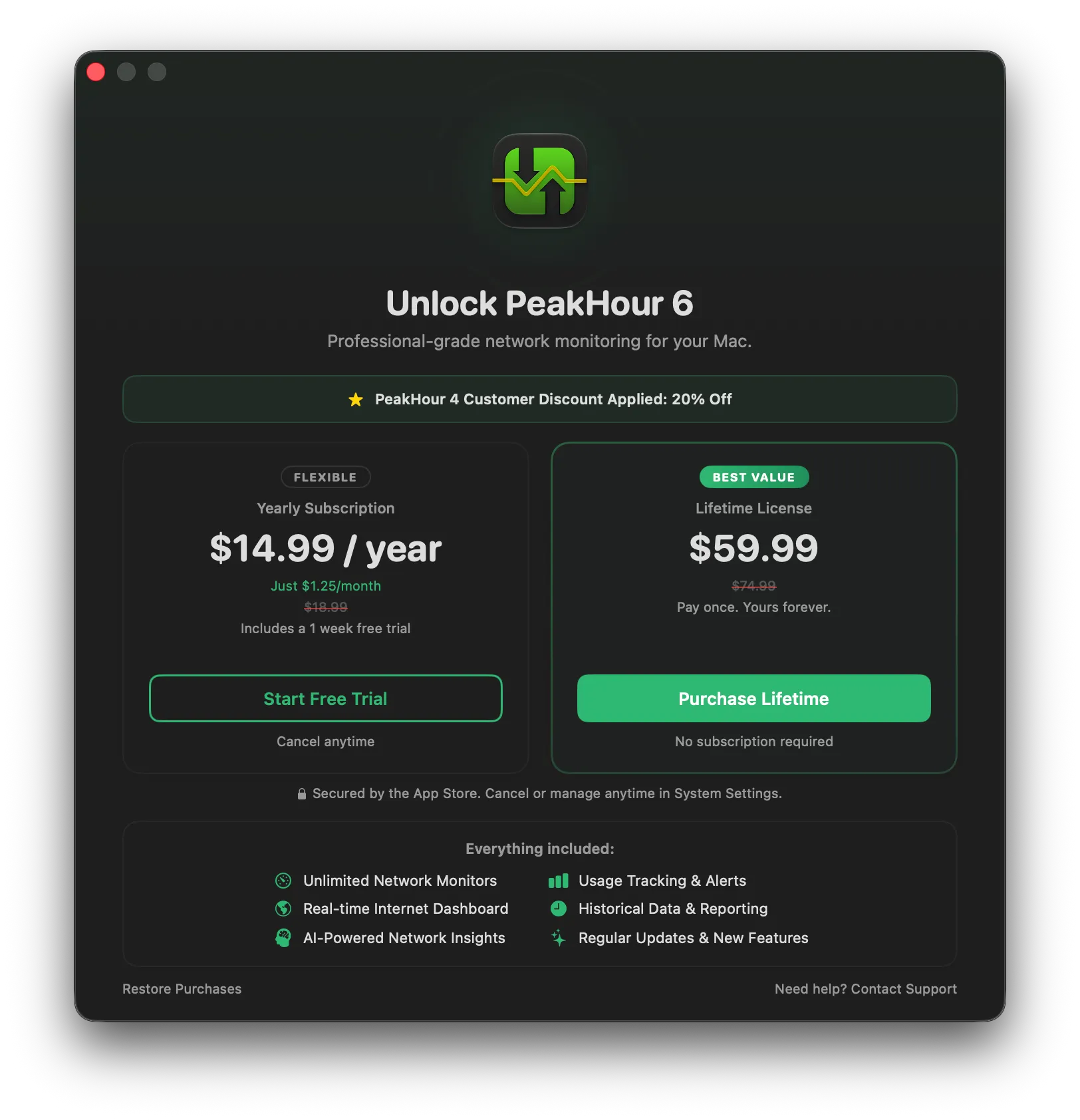
Follow the prompts in the splash screen to start your free trial, activate a subscription, or purchase a one-time Lifetime license. As a PeakHour 4 user, ensure you see the PeakHour 4 Customer Discount Applied: 20% Off banner on the purchase screen — the discounted prices apply to both the yearly subscription and the Lifetime license.
-
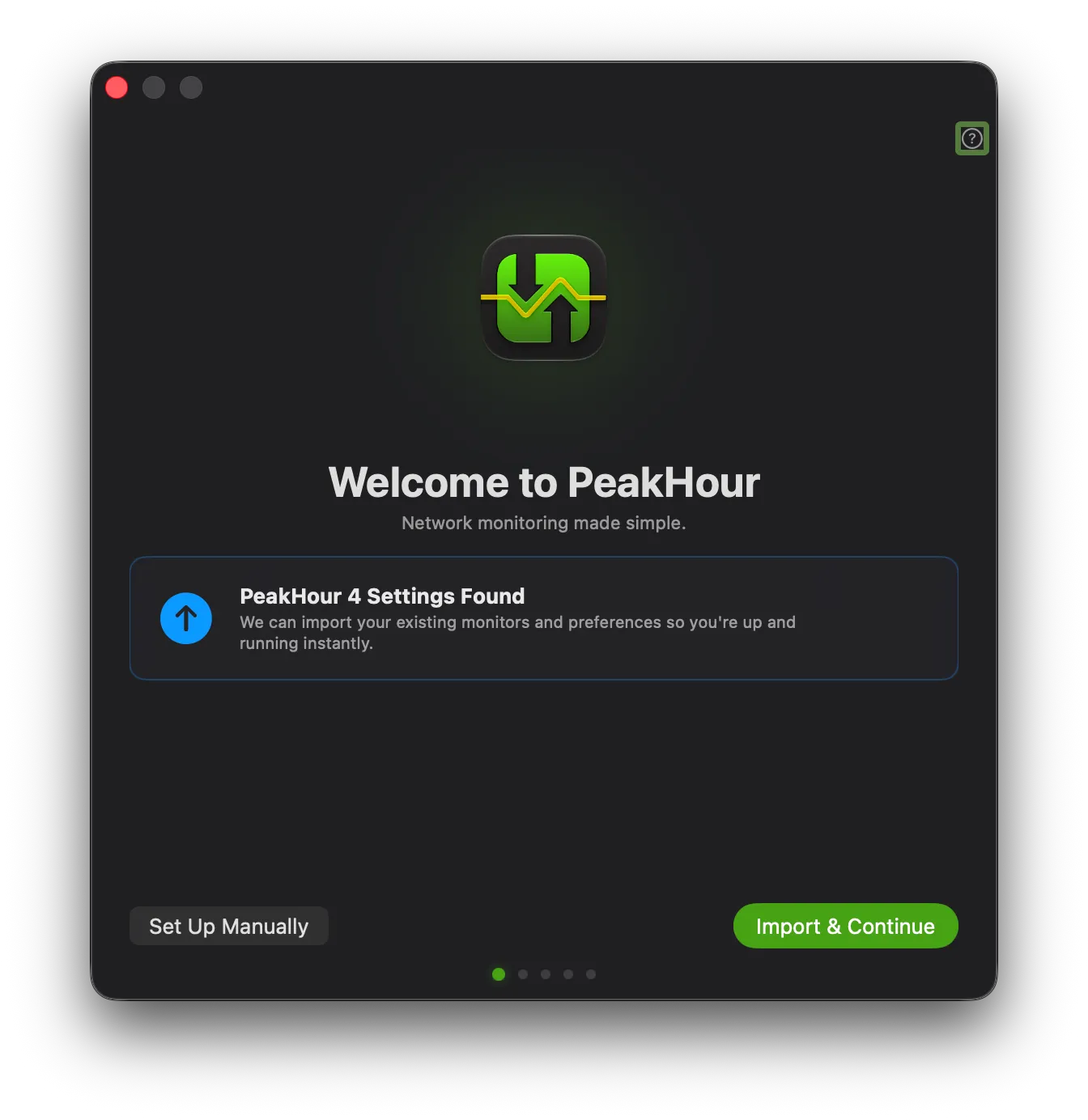
Once activated, the First Time Setup assistant detects your existing settings and shows PeakHour 4 Settings Found. Click Import & Continue to bring across your monitors and preferences.
-
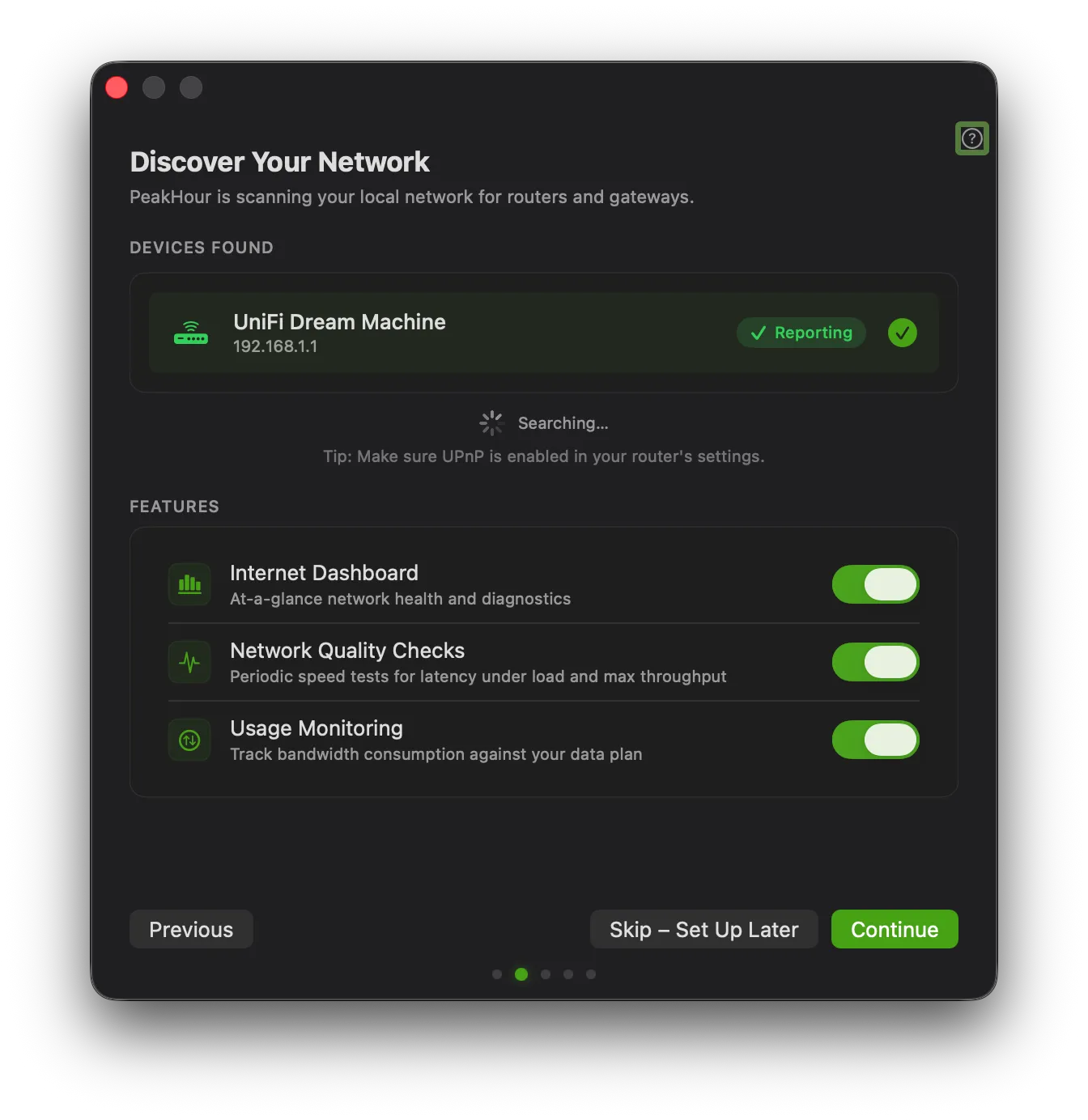
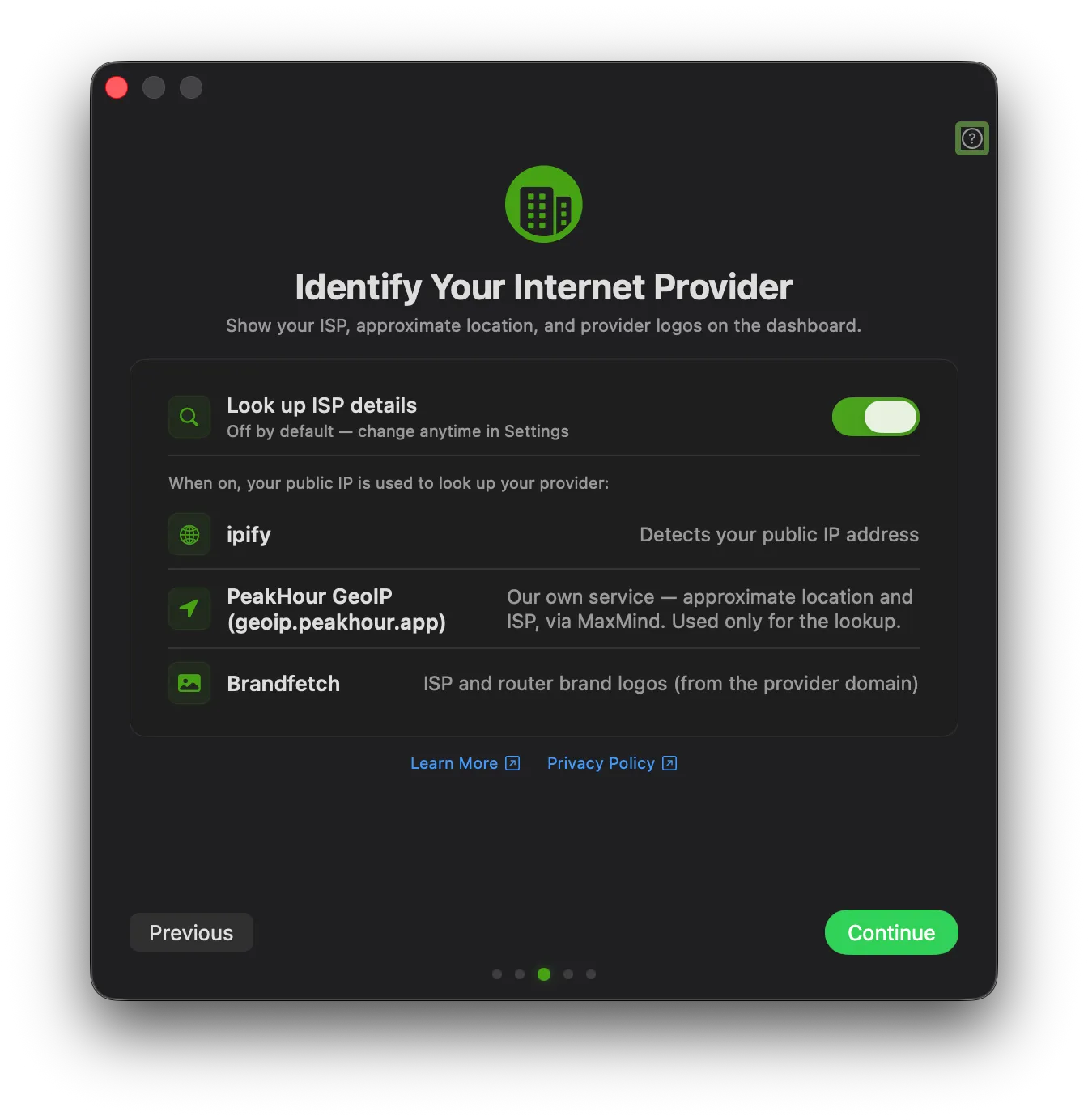
Complete the remaining First Time Setup steps — discovering your network and choosing which features to enable, and ISP identification.
-
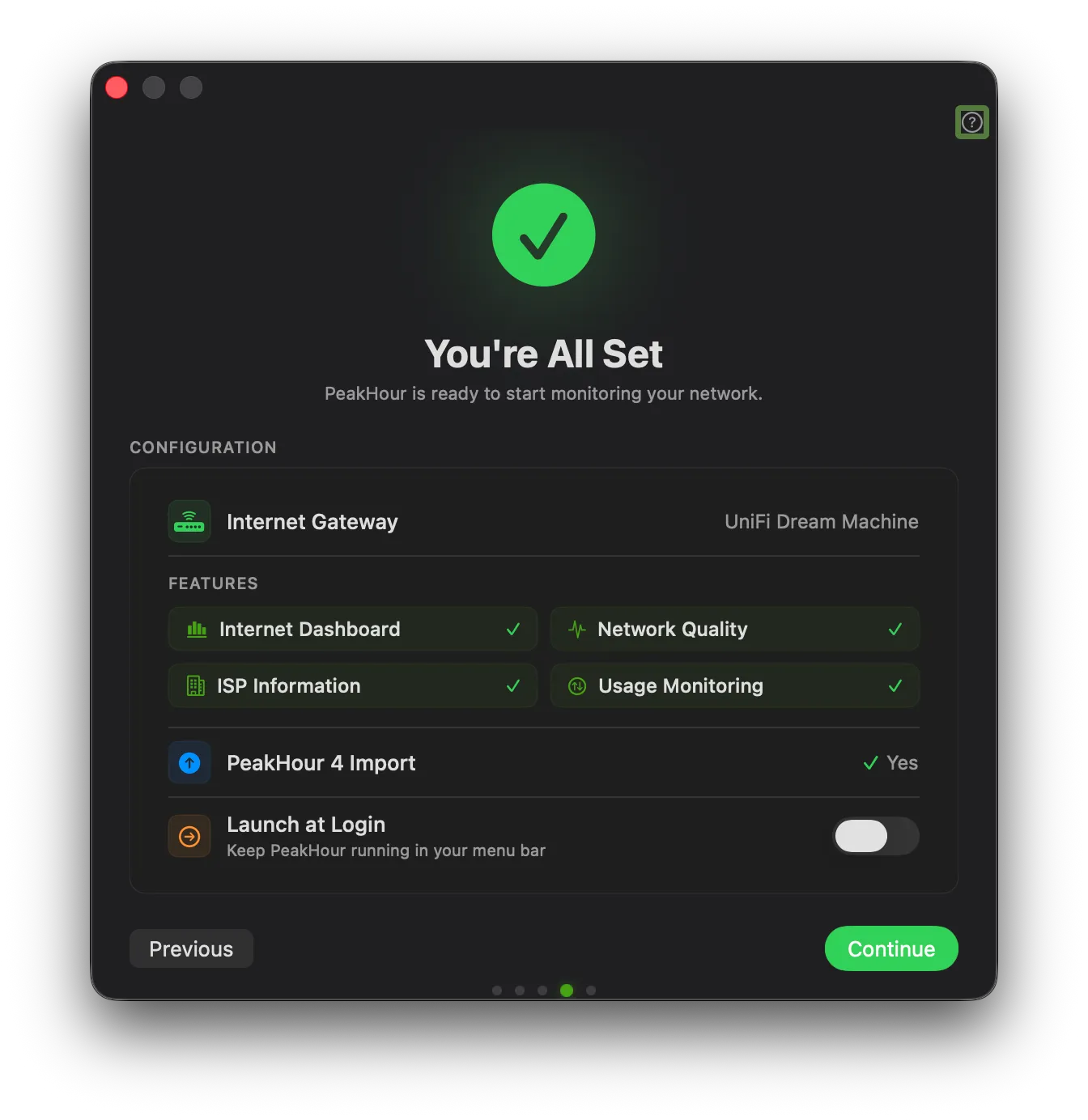
The final You’re All Set screen confirms your configuration, including PeakHour 4 Import: Yes. Click Continue to start monitoring.
Congratulations! 🎉 You’ve successfully upgraded.
Was this page helpful?
Found something wrong, unclear, or out of date? Let us know and we'll fix it.